Day 7 · Fri, Oct 9, 2026
Deploy a Production Hermes Agent
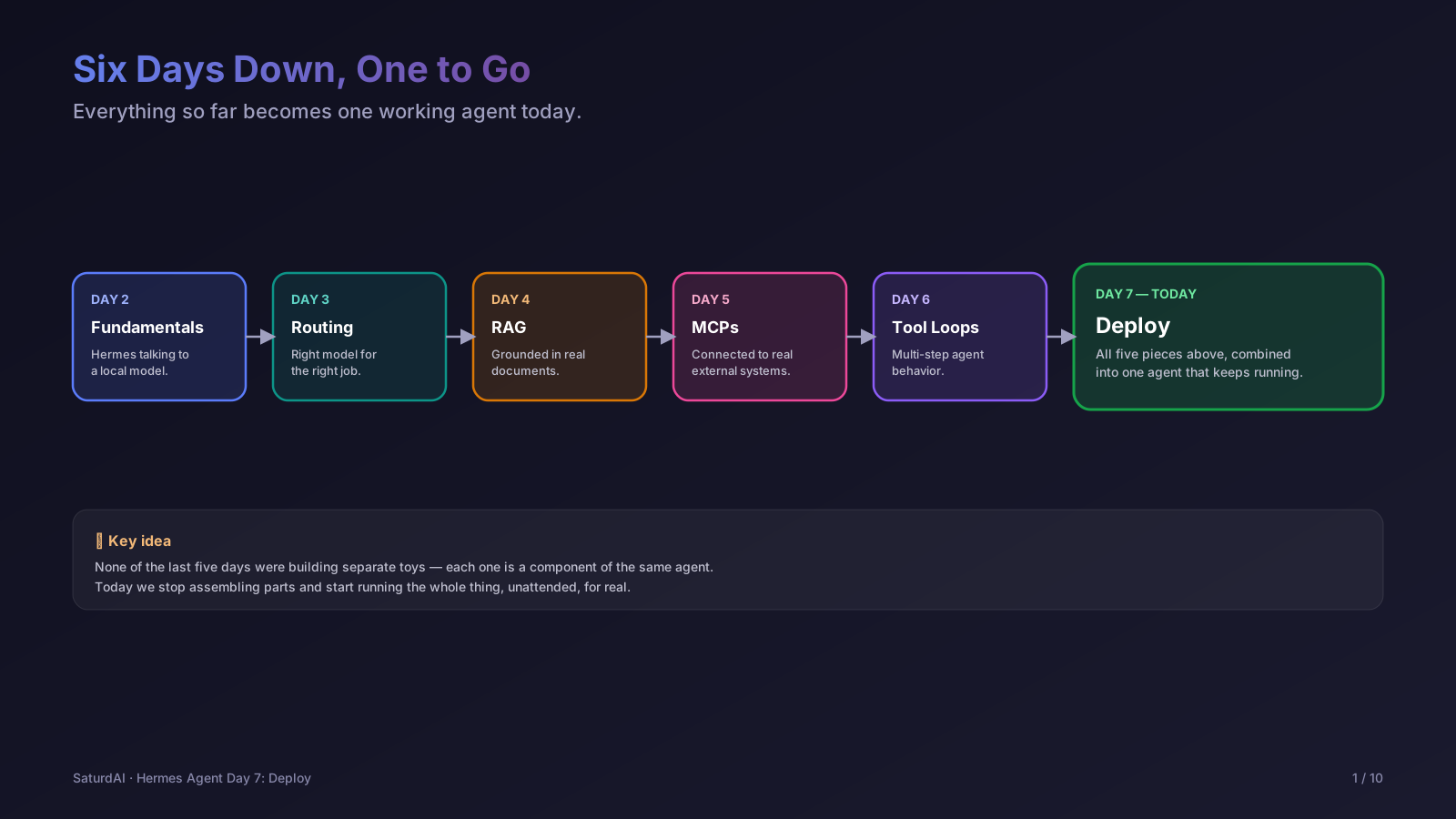
The capstone. Everything from the earlier sessions — a local model, RAG grounding, MCP tools, and multi-step agent loops — comes together into one Hermes agent that keeps running on its own, instead of only existing for the length of a one-shot hermes -z command.
Objectives
- Run
hermes doctoras a pre-flight check before deploying anything - Package the agent's configuration (endpoint, MCP servers, RAG tool) so it survives a restart
- Run Hermes as a long-lived background service rather than a one-shot CLI call
- Confirm the deployed agent still answers correctly end to end — model, RAG, and tools together
Lab: ship a working agent
Start with a health check to make sure nothing is broken before deploying:
$ hermes doctorThen bring up the agent as a persistent background service on the DGX Spark (or Mac Mini), instead of a one-off terminal session that dies when the laptop closes:
$ sudo systemctl enable --now hermes-agent.service
$ sudo systemctl status hermes-agent.serviceFinally, run an end-to-end check against the deployed agent that exercises everything built this course — grounded retrieval, an MCP tool call, and a multi-step loop, in one prompt:
$ hermes -z "Using your retrieval tool, look up what our course material says about deploying agents, then use your MCP time tool to log the current timestamp next to that answer." --cli --yoloBefore this session:confirm the exact service-manager setup we'll actually use on the DGX Spark and Mac Mini (systemd unit file, working directory, restart policy) — the commands above are the target shape, not yet verified against our real hardware.
Session notes: to be filled in after the live session on Oct 9, 2026 — the real deployment approach used and confirmation the agent kept running afterward.