Day 2 · Mon, Sep 28, 2026
Hermes Fundamentals
🎥 Watch the recording: https://www.youtube.com/live/jyevJPcrjMM
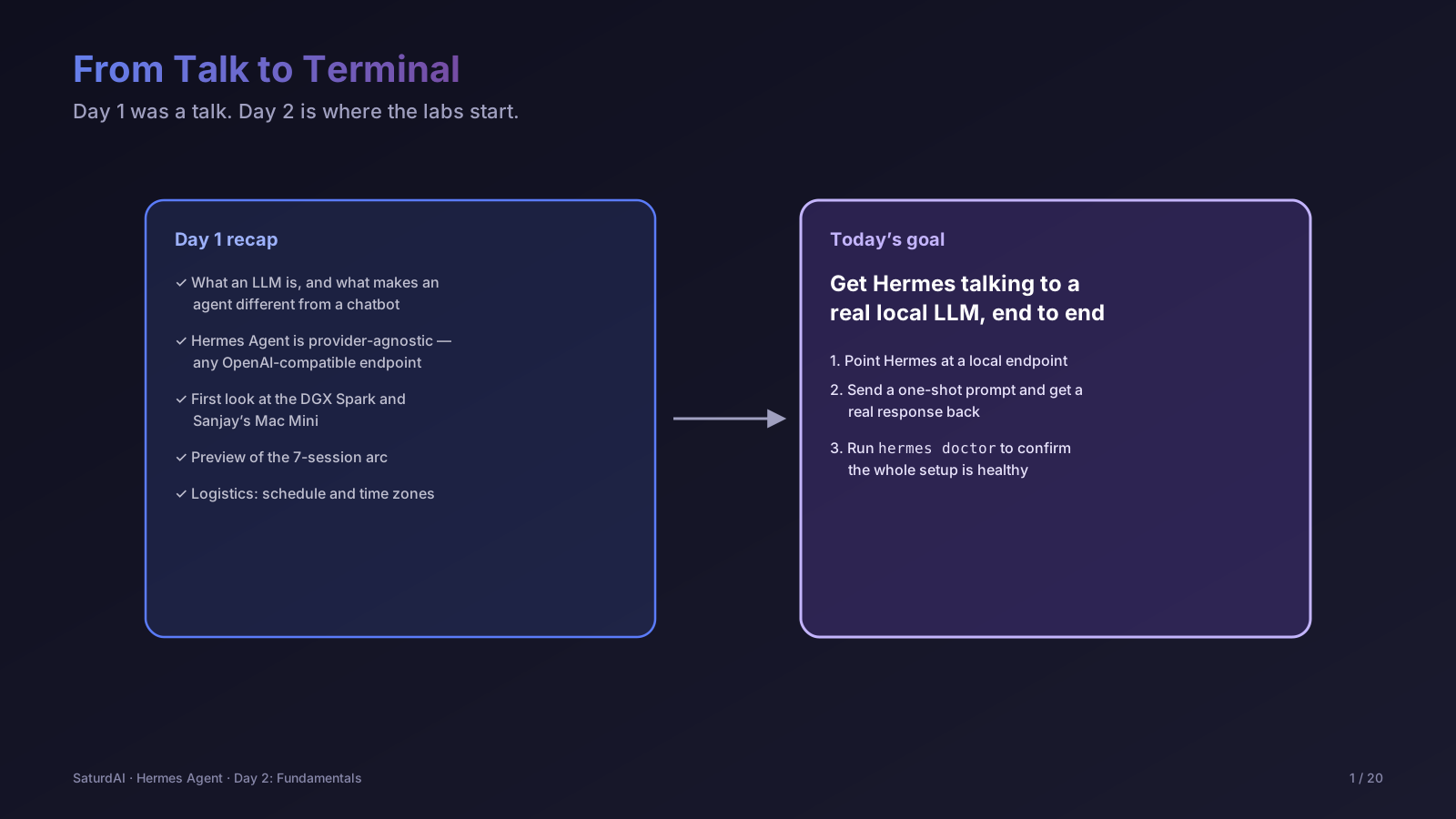
Hermes Agentis our vehicle for this course because it doesn't need a hosted API key — it talks to any OpenAI-compatible endpoint, which means it works against a local llama-server instance on our DGX Spark or Sanjay's Mac Mini exactly the same way it would against a cloud model. Today is about getting comfortable with what Hermes is and getting it talking to a local LLM end to end.
Objectives
- Understand what Hermes Agent is and why it's provider-agnostic
- Point Hermes at a local, OpenAI-compatible endpoint instead of a cloud provider
- Run a first one-shot prompt and confirm the round trip actually works
- Run
hermes doctorto sanity-check the setup before building on it
Lab: point Hermes at a local model
Configure Hermes with a custom provider pointing at the local endpoint we'll be running on the DGX Spark:
$ hermes configThen run a single prompt to completion with --clito confirm it's actually talking to our local model and not a cloud fallback:
$ hermes -z "In one sentence, who are you and what model are you running on?" --cliFinally, run the built-in health check — this is the fastest way to catch a broken endpoint, missing dependency, or misconfigured chat template before it wastes time later in the course:
$ hermes doctorSession notes: to be filled in after the live session on Sep 28, 2026 — actual hardware used (DGX Spark vs. Mac Mini), model loaded, and real command output.